> ## Documentation Index
> Fetch the complete documentation index at: https://docs.ergomake.dev/llms.txt
> Use this file to discover all available pages before exploring further.
# Introduction
> Set up your first preview
Every time a developer opens a pull request, Ergomake deploys a preview environment and adds a link to your pull request.
Your team can use those links to test your application and show your work to others.
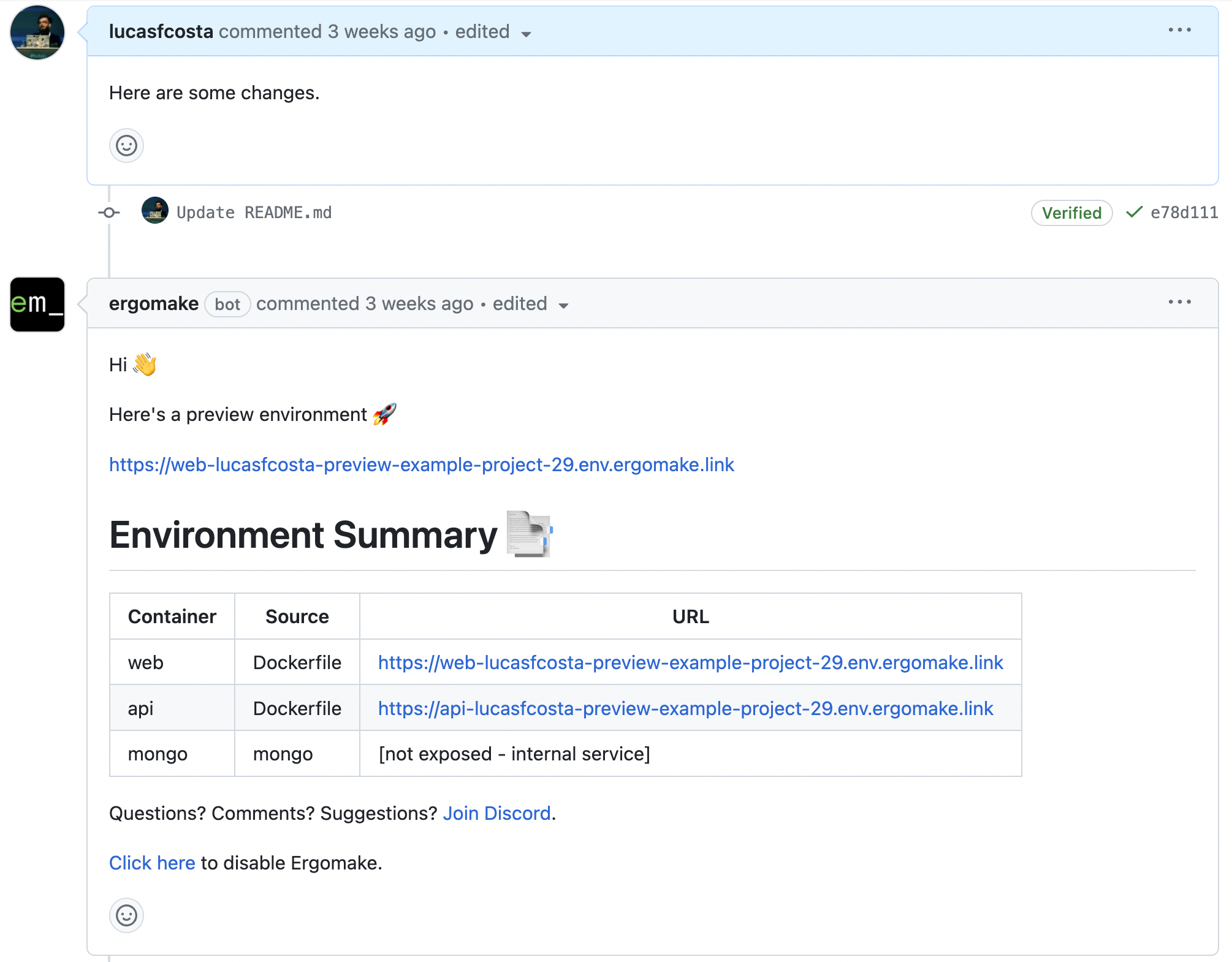
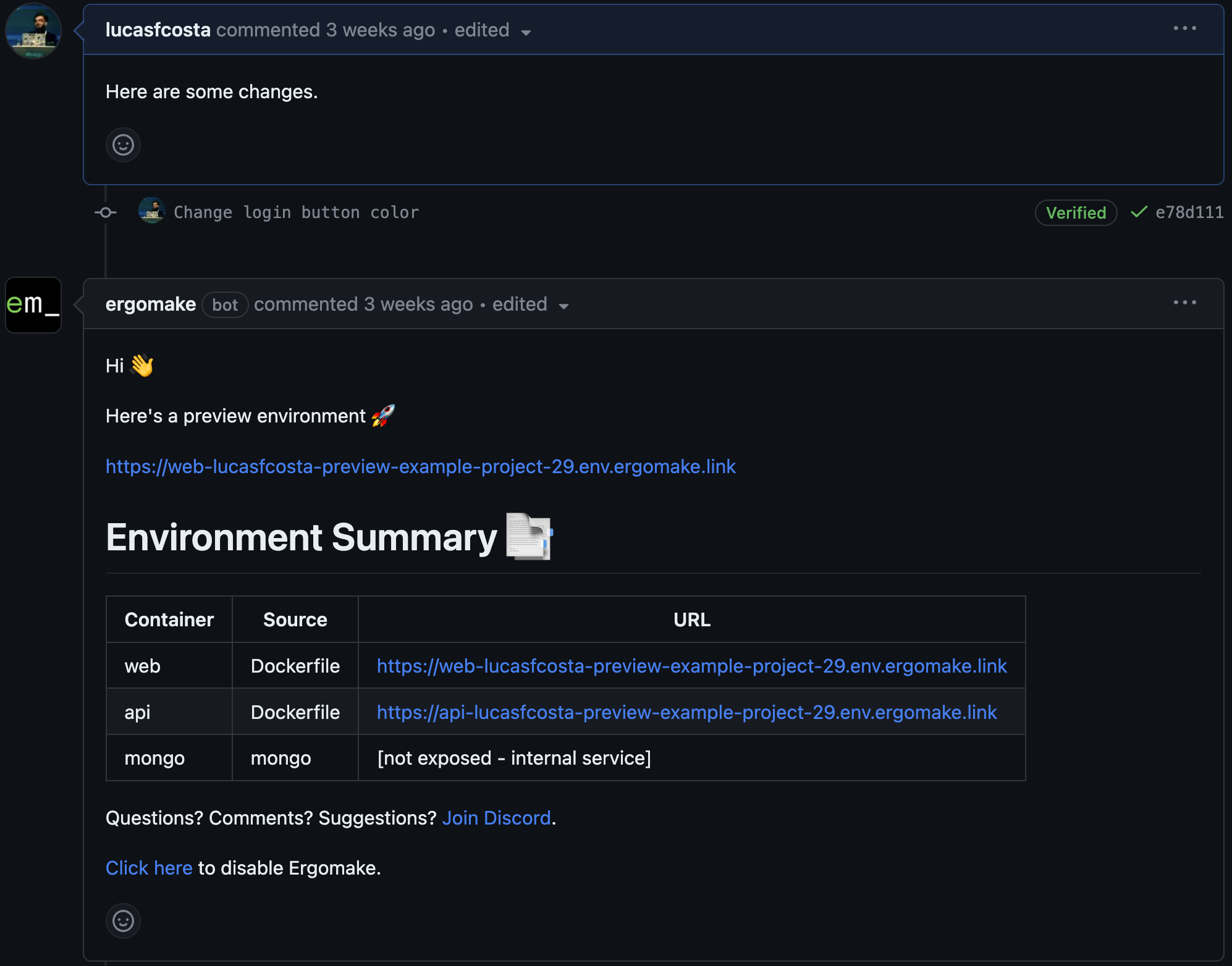 After you merge your pull-request, the environment gets destroyed.
## Getting started
1. [Log into the Ergomake dashboard](https://app.ergomake.dev).
2. Select the desired organization and click the "Add Repository" button.
3. During the installation process, you'll be prompted to give it access to the repository for which you want to generate previews.
**Make sure to select all the repositories you need**.
> ⚠️ Ergomake can't generate previews if it doesn't have access to a repository.
4. Click the `Configure` button in the [dashboard](https://app.ergomake.dev). When you do that, Ergomake will create a PR for you with an example configuration file.
Update this compose file with your application's configurations so that we can spin up previews for *your* application.
5. Merge Ergomake's PR once you're happy with how the preview looks.
## Configuring your previews
Learn how to configure previw environments for your application.
Learn how to integrate with GitHub pull requests to create your first
automatic preview.
How to manage environment variables for build and runtime.
Learn about how Ergomake routes requests to and within environments.
Learn how to setup Ergomake if you need to spin-up previews with
multiple repos.
Learn how to set up databases and other pieces of third-party software
upon which your preview environment depends.
Learn how to seed your databases.
After you merge your pull-request, the environment gets destroyed.
## Getting started
1. [Log into the Ergomake dashboard](https://app.ergomake.dev).
2. Select the desired organization and click the "Add Repository" button.
3. During the installation process, you'll be prompted to give it access to the repository for which you want to generate previews.
**Make sure to select all the repositories you need**.
> ⚠️ Ergomake can't generate previews if it doesn't have access to a repository.
4. Click the `Configure` button in the [dashboard](https://app.ergomake.dev). When you do that, Ergomake will create a PR for you with an example configuration file.
Update this compose file with your application's configurations so that we can spin up previews for *your* application.
5. Merge Ergomake's PR once you're happy with how the preview looks.
## Configuring your previews
Learn how to configure previw environments for your application.
Learn how to integrate with GitHub pull requests to create your first
automatic preview.
How to manage environment variables for build and runtime.
Learn about how Ergomake routes requests to and within environments.
Learn how to setup Ergomake if you need to spin-up previews with
multiple repos.
Learn how to set up databases and other pieces of third-party software
upon which your preview environment depends.
Learn how to seed your databases.